Free MotionVFX - mGrid
The mGrid plugin for Final Cut Pro is designed to simplify the process of creating split-screen layouts. As a highly versatile tool, mGrid enables users to organize multiple video clips into customizable grid layouts, allowing for efficient and clean compositions in no time. Whether you’re working on video conferencing projects, creating promotional videos, or designing online event content, mGrid ensures your clips are presented in a dynamic and visually appealing way.
One of the key advantages of mGrid is its ability to maintain your clips' audio, timing, and applied effects. This means you don't have to worry about re-adjusting your work every time you apply a new layout—everything stays in place, giving you a seamless editing experience.
https://gfxinspire.com/resources/free-motionvfx-mgrid.6665/
👍2
Free LenoFX - Split Screen FX 2 for Final Cut Pro | GFXInspire
Free LenoFX - Split Screen FX 2 is a professional video editing tool for Final Cut Pro, designed to help you create dynamic split-screen effects that bring your projects to life. By seamlessly dividing your video frame into multiple sections, you can display various pieces of content simultaneously, perfect for creating visually engaging scenes.
With Split Screen FX 2, you can easily apply panning, zooming, and motion effects to each segment of your screen, allowing you to tell a more detailed story. Its versatility and intuitive design ensure that even those with little experience in video editing can quickly harness its full potential.
https://gfxinspire.com/resources/free-lenofx-split-screen-fx-2-for-final-cut-pro-gfxinspire.6680/
❤1👍1
Free EasyEdit - Titles Pro for Final Cut Pro
Free EasyEdit - Titles Pro for Final Cut Pro is a powerful collection of over 1500 animated title templates designed specifically for use with Final Cut Pro. These templates are versatile, making them suitable for a wide range of video projects. Whether you’re creating professional corporate videos, personal YouTube content, or dynamic movie credits, Titles Pro offers the perfect solution.
The pack includes a variety of categories, such as Minimal Titles, Lower Thirds, Sales Titles, Quotes, Callouts, and many more. Plus, with the V3 update, new categories such as Fashion, Sports, Cinematic, and Countdown titles have been added, giving you even more options to work with.
https://gfxinspire.com/resources/free-easyedit-titles-pro-for-final-cut-pro.6684/
Free ACIDBITE - Textile Transitions for Final Cut Pro | GFXInspire
The Free ACIDBITE - Textile Transitions for Final Cut Pro pack comes with 41 high-quality 4K PRORES Quicktime elements, ensuring that your transitions are sharp, detailed, and cinematic. These elements are perfect for creating the tactile, raw feel that you’re aiming for.
Each element is designed to work seamlessly with Final Cut Pro and can be easily dragged and dropped into your timeline for smooth integration. Whether you’re working with Full HD or 4K footage, these elements maintain the highest visual standards, making them versatile for a wide range of projects.
https://gfxinspire.com/resources/free-acidbite-textile-transitions-for-final-cut-pro-gfxinspire.6685/
👍1
Free MotionVFX - mStorytelling | GFXInspire
The Free MotionVFX - mStorytelling package for Final Cut Pro offers everything you need to take your storytelling to the next level. Below, we break down the key elements included in the package that make it an essential tool for filmmakers:
1. 59 Story-Building Presets
Creating a compelling narrative often requires smooth transitions between scenes, and the 59 story-building presets included in the mStorytelling package provide you with the perfect foundation for this. These presets cover a range of styles and effects, allowing you to easily add cinematic elements that help shape your story. Whether you're looking for smooth transitions, dramatic scene shifts, or dynamic camera movements, these presets provide versatility and ease of use.
https://gfxinspire.com/resources/free-motionvfx-mstorytelling-gfxinspire.6702/
❤2
Free MotionVFX - mTag | GFXInspire
Over 100 Sale-Themed Modules
The heart of the mTag package is its collection of 100 sale-themed modules. These include dynamic and animated titles, lower thirds, price tags, and more, all designed to highlight your promotional messages. Whether you want to emphasize a discount, countdown timer, or special offer, these modules are tailored to fit any type of advertising or commercial project.
Each module is fully customizable, allowing you to adjust the font, color, size, and position to align with your brand’s identity. These modules are ideal for creating visually striking advertisements that capture the attention of your viewers and drive sales.
https://gfxinspire.com/resources/free-motionvfx-mtag-gfxinspire.6703/
Free MotionVFX - mTransition Simple Pack
50 Minimalistic Transitions: A carefully curated set of transitions that fit seamlessly into any video project. These transitions are designed to be subtle yet effective, enhancing the flow of your video without drawing too much attention to themselves.
Drag-and-Drop Functionality: The mTransition Simple Pack is incredibly user-friendly. Simply drag and drop any of the transitions into your timeline, place them between clips, and watch the magic happen. No complicated settings or time-consuming adjustments are required.
Customizable Durations: Need to adjust the length of a transition? The mTransition Simple Pack allows you to double-click on any transition to easily modify its duration. This flexibility ensures that you can fine-tune your transitions to match the pacing of your project.
https://gfxinspire.com/resources/free-motionvfx-mtransition-simple-pack.6705/
❤1
Free Videohive 22128046 Infographic Toolkit | Download from GFXInspire
The Free Videohive 22128046 Infographic Toolkit comes with an impressive collection of more than 500 infographic elements and scenes. This extensive library allows you to create virtually any type of visual presentation. Whether you need icons, charts, graphs, or full-motion scenes, this toolkit has you covered.
With such a wide variety of assets, you can quickly build out the perfect narrative for your video. Whether you're explaining complex data, showcasing statistics, or simply needing an engaging visual backdrop for your presentation, this toolkit offers endless possibilities for customization.
https://gfxinspire.com/resources/free-videohive-22128046-infographic-toolkit-download-from-gfxinspire.6713/
❤1👍1
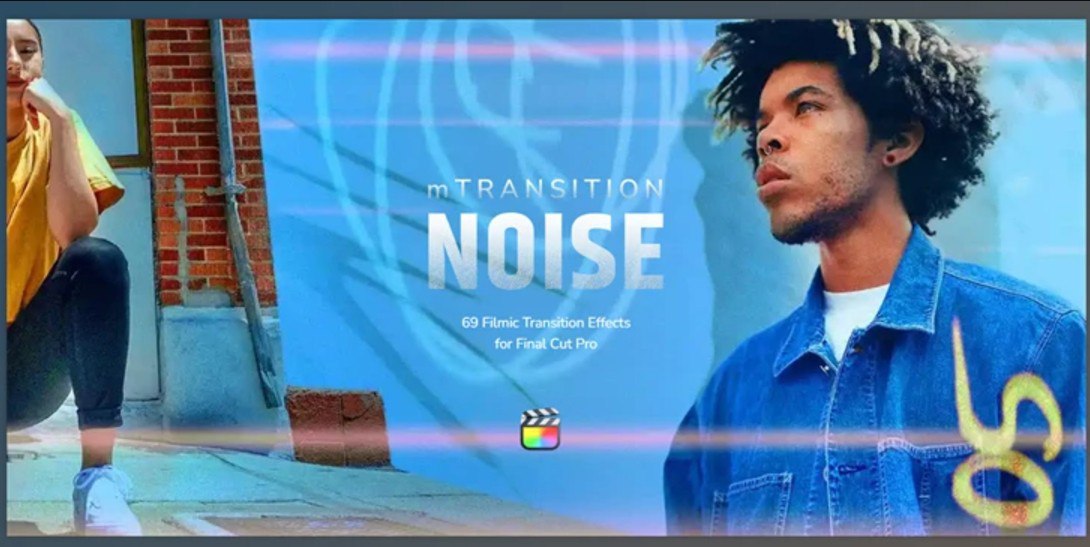
MotionVFX - mTransition Noise
The mTransition Noise plugin comes with 69 different transition effects, offering a wide variety of options to choose from. These effects are ideal for all types of video projects, including action sequences, emotional moments, and even abstract visual art.
From smooth fades to dynamic shifts, the transitions included in the pack are versatile and cater to different creative needs. Each transition has been meticulously crafted to ensure it adds depth and character to your video, making it easier to match the tone and pacing of your footage.
https://gfxinspire.com/resources/motionvfx-mtransition-noise.6723/
Free Aescripts Stratify v1.3.8
One of the core features of Stratify is its ability to control layer offsets. This means you can easily adjust the timing of layers within your composition. You can use the following methods to manipulate your layers:
Ascend: Increase layer offsets progressively, from the bottom layer to the topmost selected layer, with each click.
Descend: The reverse of Ascend; incrementally increase layer offsets from the topmost layer to the bottom layer.
Random: Introduce random offsets within a defined range by specifying minimum and maximum frame values.
Sequence: Arrange your layers in the order they were selected.
These simple but effective controls give you full freedom to position layers as needed, whether you're working on a linear animation or a dynamic design.
https://gfxinspire.com/resources/free-aescripts-stratify-v1-3-8.6725/
🌟 Exciting Offer from Webtoolz! 🌟
Get 20% OFF on all bundled plans and unlock access to 90+ premium tools, including Envato, Storyblocks, Canva, Renderforest, and many more—all in one place!
💰 Use Coupon Code: WEB2.0
📌 Check Pricing & Subscribe Now: https://app.webtoolz.in/page/pricing](https://app.webtoolz.in/page/pricing)
🚀 Don’t miss this chance to save big and supercharge your design and marketing projects! Offer valid for a limited time only. ⏳
👉 Grab the Deal Now

❤2
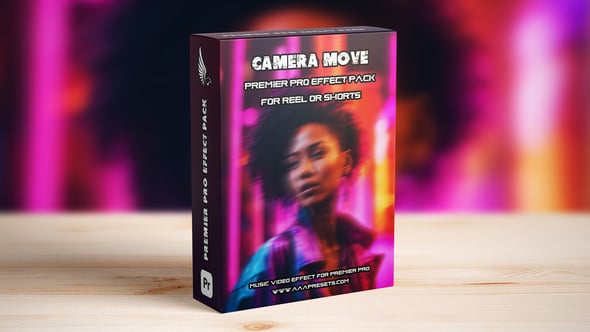
Free Videohive 55677719 Camera Move Transitions for Premiere Pro
Realistic Camera Movements
The Videohive 55677719 Camera Move Transitions pack features a variety of camera movements, such as pans, zooms, tilts, and rotations. These effects are designed to mimic the way a real camera moves, making your transitions feel more authentic and visually appealing.
Optimized for Social Media Formats
These transitions are specifically optimized for vertical videos, such as those used on Instagram Reels, TikTok, and YouTube Shorts. The transitions are perfectly formatted for 1080x1920 resolution, ensuring your content looks polished on mobile screens.
https://gfxinspire.com/resources/free-videohive-55677719-camera-move-transitions-for-premiere-pro.6741/
❤2👍2
Free Photo Projector For After Effects – Download at GFXInspire
The Free Photo Projector For After Effects brings a professional-grade, cinematic touch to your photo projects. This template allows you to project photos in a smooth, realistic way that mimics the feeling of a projector displaying images onto a screen. The effects are high-quality, delivering a polished look that elevates your videos and photos. Whether you're creating a slideshow for a wedding, a business presentation, or a movie intro, this pack offers all the visual effects you need to impress your audience.
https://gfxinspire.com/resources/free-photo-projector-for-after-effects-%E2%80%93-download-at-gfxinspire.6754/
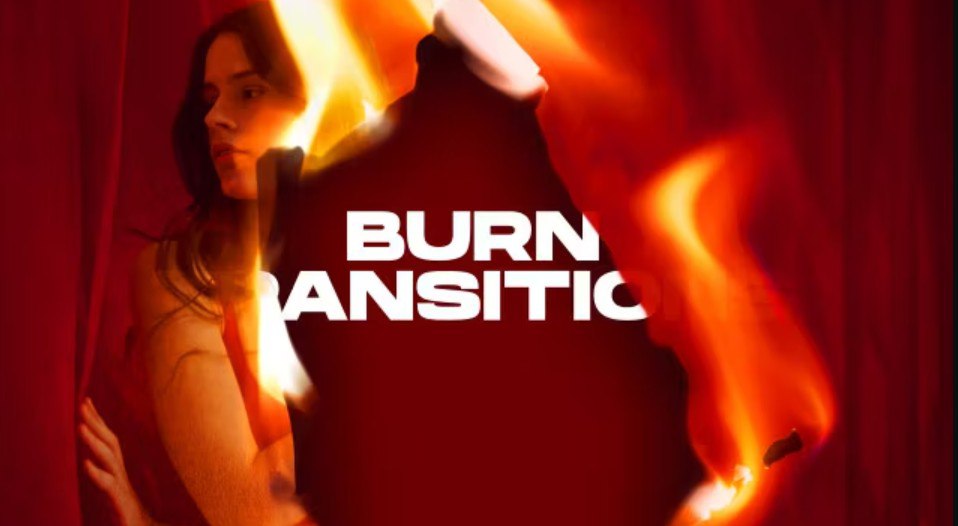
Free Burning Transitions for DaVinci Resolve
Burning transitions are dynamic effects that mimic the visual appearance of fire, flames, or smoke, giving the impression of burning or dissolving between video clips. These transitions are particularly popular for action-packed scenes, dramatic montages, or to convey intensity and energy within a video.
When used correctly, these transitions can make a seamless cut between clips while adding visual flair to your edits. Whether you're making a high-energy music video, a promotional video, or any other video that benefits from fiery effects, burning transitions can make your video stand out.
https://gfxinspire.com/resources/free-burning-transitions-for-davinci-resolve.6759/
❤2👍1
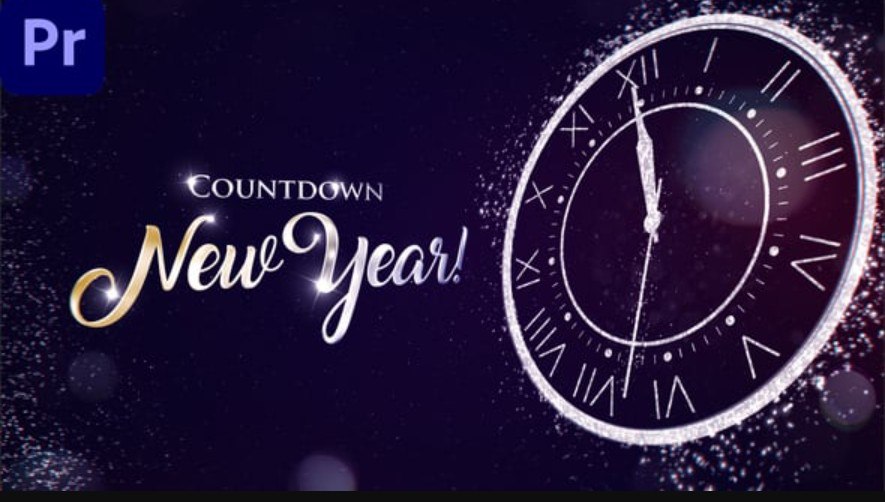
Free Videohive 55763634 New Year Countdown | MOGRT
The Free Videohive 55763634 New Year Countdown | MOGRT is a Motion Graphics Template (MOGRT) created specifically for Adobe Premiere Pro CC 2024 and above. It’s designed to help you create dynamic and visually appealing countdown videos that can be used in various festive projects, from New Year’s Eve celebrations to Christmas greetings and winter-themed memories.
This template makes it easy to add a professional countdown to your videos with minimal effort. Featuring full HD resolution and simple customization options, you can easily tailor the countdown to match your video’s style and message. Best of all, no plugins are required, so you can start editing immediately without worrying about additional software or installation.
https://gfxinspire.com/resources/free-videohive-55763634-new-year-countdown-mogrt.6771/
Free Movavi Video Suite 22.4.1 CR2 (Mac)
Movavi’s video editing capabilities are packed with features designed to help you create stunning video content. The video editor in Movavi Video Suite 22.4.1 CR2 offers everything you need to edit videos and audio tracks with precision. You can cut, trim, and merge clips, adjust video speed, and add special effects.
Some of the most useful tools include:
Filters & Effects: Enhance your videos with a wide array of special effects and filters. Add transitions, text effects, and more to make your videos visually appealing.
Audio Editing: The editor also allows you to adjust audio levels, remove background noise, and add voiceovers or music. You can mix tracks to create the perfect sound for your video.
Chroma Key: Use the chroma key feature to remove backgrounds or replace them with custom images or video clips, perfect for tutorials, vlogs, or creative projects.
https://gfxinspire.com/resources/free-movavi-video-suite-22-4-1-cr2-mac.6779/
❤1
Free Automapki Autoconverter v2.2.7
Automapki Autoconverter is known for its versatility and ease of use. It supports a comprehensive range of 3D and image file formats, offering a convenient solution for anyone working with 3D models or designs. Whether you need to import, export, or convert files from one format to another, this tool has got you covered.
Let’s take a closer look at the key features of Automapki Autoconverter v2.2.7:
https://gfxinspire.com/resources/free-automapki-autoconverter-v2-2-7.6778/

❤1
PML Presets Free Download Tones: Download GFXInspire Presets Now!!
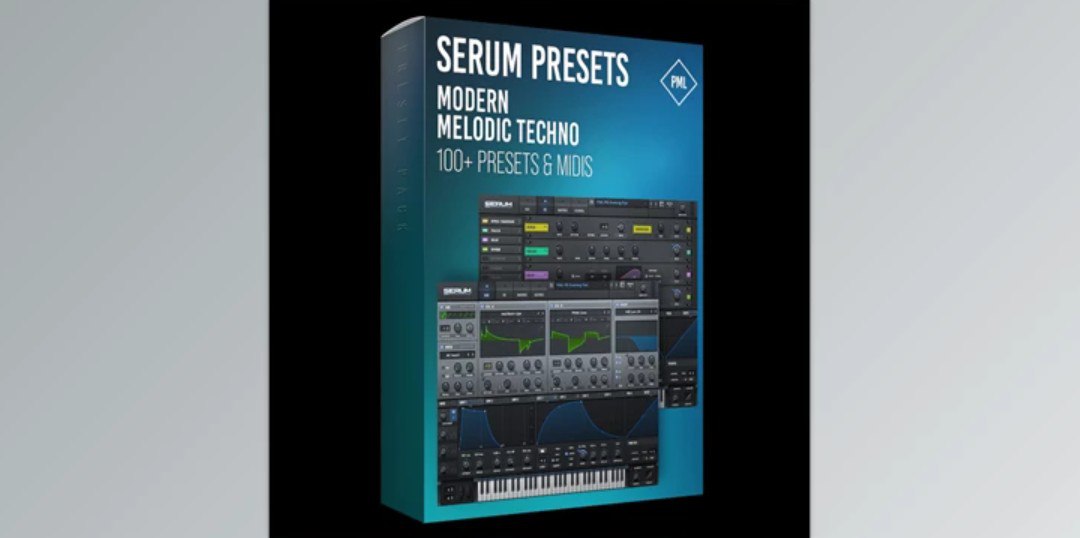
If you are a producer working on melodic techno music, you would know the significance of sounds and how they can affect the atmosphere, mood, or scene of the track. The PML - Serum Presets - Modern Melodic Techno pack (PML308) takes production value of your music to the next level and contains everything that you need to work on a deeper and more ambient track. Centrally composed by an eminent sound designer Andrea Viscardi, this is an exhaustive vault that contains more than one hundred sharable Serum preset files and their equivalent midi documents. This preset pack is a must-have if you seek inspiration for melodies from well-known artists like Olivier Giacomotto, Final Request, Fur Coat, or Jos & Eli’s preset pack.
https://gfxinspire.com/resources/pml-presets-free-download-tones-download-gfxinspire-presets-now.6797/
Download MagicZoomPro – Full Pack of Effects Presets for DaVinci Resolve
There are very pointers that possess the potential of changing the quality of the video drastically. One of the most notable effects is zooming of the video, especially when deploying it within the context of professional projects. You must be wondering how to use this tool effectively and that is exactly what the title of the pack suggests. The Free MagicZoomPro – Full Pack for DaVinci Resolve will answer that question by providing a toolkit of sufficient stress zapping features. So whether you are working on a movie, social media content or a company ‘s advertisement, there’s always a zoom transition for your creative needs.
https://gfxinspire.com/resources/download-magiczoompro-%E2%80%93-full-pack-of-effects-presets-for-davinci-resolve.6794/
❤2
Free Canary Julz No Frillz MIDI Pack
Examined principally, the label No Frillz begs for harmony. The association emphasizes on the 30 user-friendly MIDI loops included in its composition for easy production beatmaking forming mapped out musical ideas at no cost for each No Frillz pack. The reason those loops are limited to melodies, chord progressions and hooks is because the aim is to eliminate a considerable portion of the producers workload. All musical files are memory of some targets and purpose and processes the creativity and reworks the need for royalties.
https://gfxinspire.com/resources/free-canary-julz-no-frillz-midi-pack.6799/