Free Videohive 52438114 GR Seamless Transitions Effects for DaVinci Resolve
The GR Seamless Transitions pack is designed specifically for DaVinci Resolve, offering unmatched ease of use and compatibility. Here’s why it’s a must-have for video editors:
Drag-and-Drop Simplicity: Add transitions directly to your timeline with ease.
Works with Any Resolution: Perfect for all formats, from social media clips to high-resolution films.
Sound Effects Included: Add depth and polish to your edits with a library of high-quality sound effects.
https://gfxinspire.com/resources/free-videohive-52438114-gr-seamless-transitions-effects-for-davinci-resolve.6504/
Free Unreal Engine - Ultimate Multiplayer Survival Pack v5
1. Immersive Gameplay Options
First and Third-Person Modes: Switch effortlessly between perspectives for versatile gameplay.
Advanced AI Systems: Includes modular humanoid AI with perception and teaming capabilities, ensuring intelligent and dynamic enemies.
Ranged Weapon Combat: Engage players with bows, spears, and dynamic arrow holsters.
2. Enhanced Environmental Interactions
Realistic Water Dynamics: A fully interactive water system with swimming, diving, and physics-based effects.
Harvesting and Gardening: Introduce sustainable gameplay with farming and gardening systems.
Biomes Variety: Includes summer, winter, and desert environments, each with unique effects on player temperature.
https://gfxinspire.com/resources/free-unreal-engine-ultimate-multiplayer-survival-pack-v5.6501/
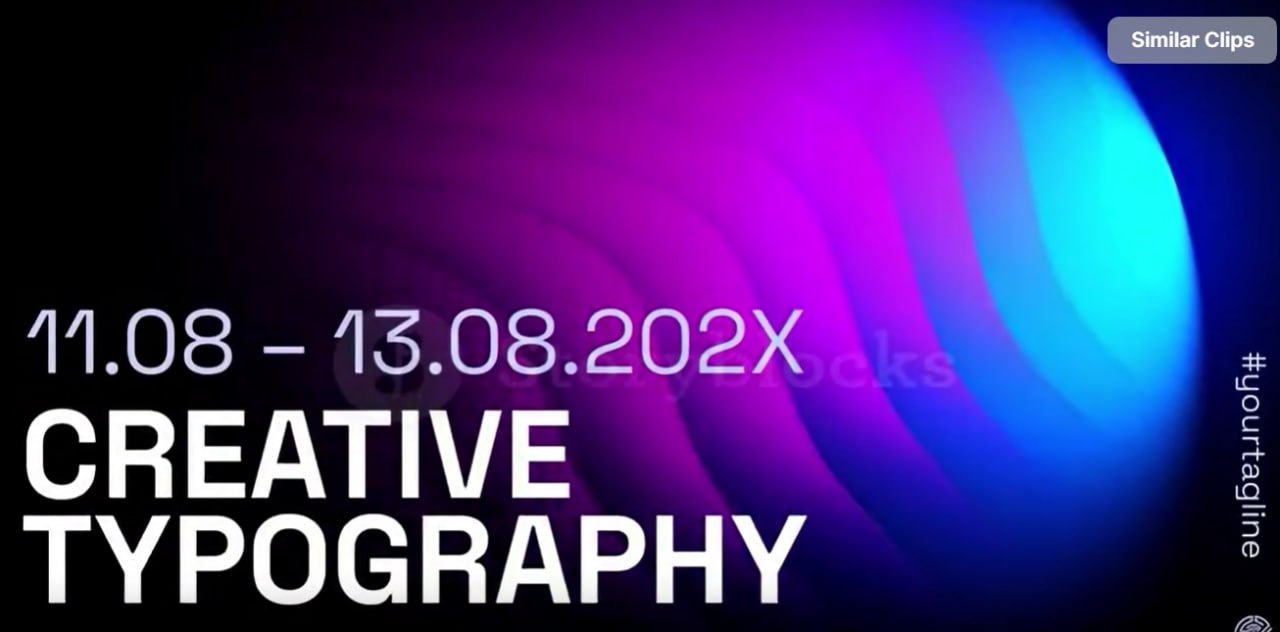
Free Creative Typography for DaVinci Resolve
Creative typography refers to the design and animation of text in a way that goes beyond simple static fonts. It involves the use of dynamic animations, unique transitions, and visually compelling effects that help bring your text to life. With creative typography, you can add style and personality to your video titles, subtitles, captions, and more.
The Free Creative Typography for DaVinci Resolve includes a variety of pre-made text animation templates that you can customize to suit your needs. These templates are easy to use and integrate seamlessly with DaVinci Resolve, allowing you to create stunning text effects with just a few clicks.
Whether you’re looking to make bold and impactful title sequences, or simple yet elegant text animations, these typography templates provide endless possibilities for enhancing your content.
https://gfxinspire.com/resources/free-creative-typography-for-davinci-resolve.6519/
👍1
Free Videohive 48999879 Slideshow Mosaic Multi-Screen | Download at GFXInspire
1. Versatile Scene Customization
This project includes 30 unique scenes, each with adjustable settings. Choose between full-screen images or one of 10 multi-screen layouts to create eye-catching visuals.
2. Smooth Transitions
With 10 customizable transitions per scene, you can add dynamic effects to your slideshows with just one click. Change the direction, speed, color, and softness of each transition effortlessly.
https://gfxinspire.com/resources/free-videohive-48999879-slideshow-mosaic-multi-screen-download-at-gfxinspire.6526/
👍3❤1
Free Modern Text Reveal After Effects Template | GFXInspire
Sleek, Modern DesignThe Free Modern Text Reveal After Effects Template is designed with a clean and modern aesthetic that suits a variety of projects. Whether you're working on a promotional video, intro sequence, or social media advertisement, the smooth animations and contemporary design will seamlessly integrate into any type of content. The minimalist style of the text reveal ensures that your message takes center stage without being overly flashy.
Fully CustomizableOne of the standout features of this template is its high level of customization. You can adjust the text, fonts, colors, and timing to match your branding or video style. The intuitive control panel makes it easy to change every element of the animation. Whether you need to adapt the design to a corporate look, a playful vibe, or something more professional, this template can be tailored to suit your needs.
https://gfxinspire.com/resources/free-modern-text-reveal-after-effects-template-gfxinspire.6536/
👍1
Free Aescripts Move Anchor Point 4.1.1 (WIN, MAC) | GFXInspire
The Move Anchor Point 4.1.1 has undergone a significant redesign to improve its user experience. The extension now boasts a modular interface, allowing you to customize the tools that appear on your workspace. This means you can hide the tools you don’t need and focus on the ones you use most frequently. Whether you’re working with a few basic tools or require a more comprehensive setup, the interface is fully adaptable to your preferences, making your editing experience more efficient.
https://gfxinspire.com/resources/free-aescripts-move-anchor-point-4-1-1-win-mac-gfxinspire.6539/
Free Videohive 55505254 Flow - SWOT Infographic Scenes Pack
12 unique SWOT infographic slides
Full HD resolution (1920×1080)
General color control
100% After Effects
Well-organized and easy to edit
Works with any After Effects language (expressions universalized)
Compatible with After Effects CC21 and above
No plugins required
https://gfxinspire.com/resources/free-videohive-55505254-flow-swot-infographic-scenes-pack.6549/
Free Trendy Titles
Adobe After Effects
Final Cut Pro
Premiere Pro
DaVinci Resolve
and more
This ensures that no matter which platform you prefer to work on, you can easily incorporate these stunning title templates into your projects.
https://gfxinspire.com/resources/free-trendy-titles.6558/
Adobe After Effects
Final Cut Pro
Premiere Pro
DaVinci Resolve
and more
This ensures that no matter which platform you prefer to work on, you can easily incorporate these stunning title templates into your projects.
https://gfxinspire.com/resources/free-trendy-titles.6558/
Free Price Tag Assets with GFXInspire
One of the standout features of the Free Price Tag assets is their high level of customizability. Each template is designed with a user-friendly interface that allows you to easily adjust the text, colors, and overall look and feel to perfectly match your brand or project. Whether you're creating a product showcase for your online store or a pricing overview for a corporate presentation, these price tags can be seamlessly integrated into your workflow.
https://gfxinspire.com/resources/free-price-tag-assets-with-gfxinspire.6560/
👍2
Free Videohive 55580151 Neon Titles Backgrounds for Stunning Video Projects
With 20 looping compositions, each lasting 4 seconds, the Neon Titles Backgrounds offer a wide range of options for your creative needs. Whether you're creating a music video, a promotional clip, or a social media post, these backgrounds will add a vibrant and eye-catching element to your project.
One of the standout features of Videohive 55580151 is its compatibility with After Effects CC 2021 and above. This means that you can easily integrate these backgrounds into your existing workflow, without the need for any additional software or plugins.
https://gfxinspire.com/resources/free-videohive-55580151-neon-titles-backgrounds-for-stunning-video-projects.6587/
Free Minimal Opener Slideshow from GFXInspire
Clean and Modern Design: The template features a minimalist, yet visually striking design that exudes a sense of elegance and professionalism, perfect for a wide range of video content.
Fully Customizable: With the ability to easily modify the text, colors, and imagery, you can seamlessly integrate your brand's unique style and messaging into the slideshow.
Compatibility with PowerPoint and Google Slides: The template is compatible with both PowerPoint and Google Slides, allowing you to create captivating video openings and introductions on the platform of your choice.
Responsive Layout: The slideshow is designed to adapt to a variety of screen sizes, ensuring a consistent and polished presentation across different devices.
https://gfxinspire.com/resources/free-minimal-opener-slideshow-from-gfxinspire.6600/
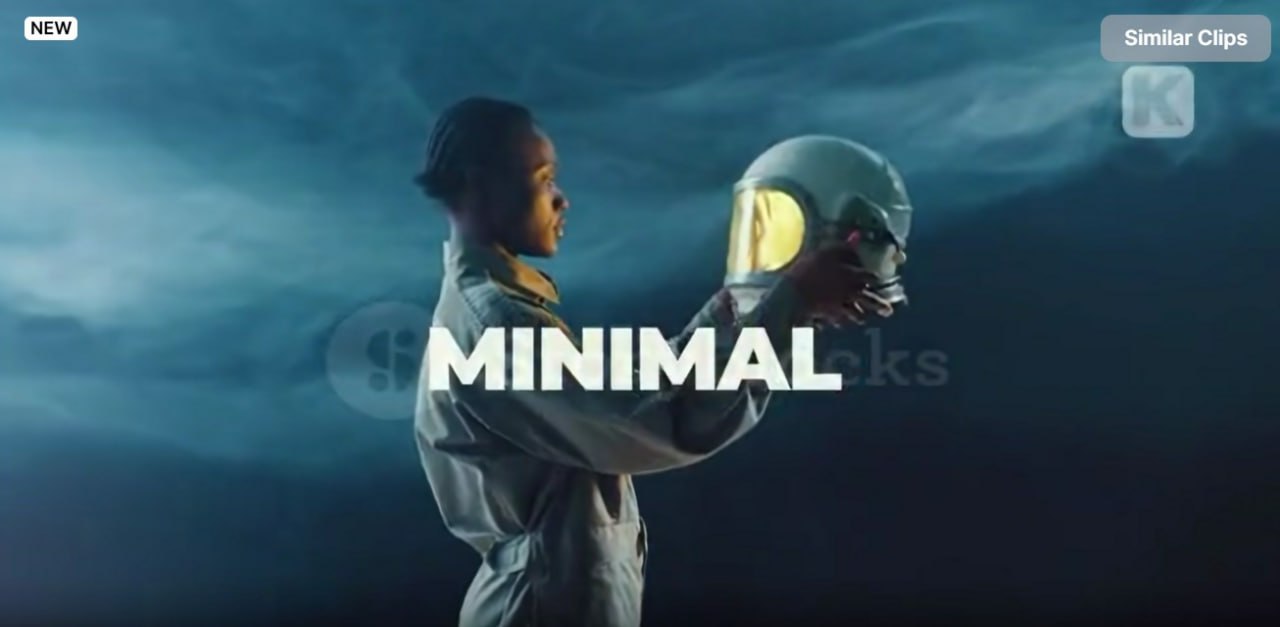
Free Fashion Slideshow from GFXInspire
Elegant and Sophisticated Design: The template features a sleek, modern design that exudes a sense of sophistication and style, perfectly suited for fashion-forward content.
Fully Customizable: With the ability to easily modify the text, colors, and imagery, you can seamlessly integrate your brand's aesthetic and messaging into the presentation.
Compatibility with PowerPoint and Google Slides: The template is compatible with both PowerPoint and Google Slides, allowing you to create captivating fashion presentations on the platform of your choice.
https://gfxinspire.com/resources/free-fashion-slideshow-from-gfxinspire.6599/

Free Videohive 55608999 Color Dissolve VHS Glitch Slideshow Opener
1. No Plugins Required
One of the standout features of the Color Dissolve VHS Glitch Slideshow Opener is that it requires no plugins to run. This means you can easily use this template in your After Effects project without the hassle of installing third-party software. Simply download and start creating!
2. 16 Placeholders & 18 Text Placeholders
This template includes 16 placeholders for your photos or videos, and 18 text placeholders for your titles and messages. This makes it incredibly versatile, allowing you to insert your own content and customize the template for any type of project. Whether you're showcasing products, a portfolio, or memories, the VHS glitch effect will add a stunning, retro feel to your work.
https://gfxinspire.com/resources/free-videohive-55608999-color-dissolve-vhs-glitch-slideshow-opener.6607/
👍1
Free Matti Haapoja CINE LUTS 2.0
The Matti Haapoja CINE LUTS 2.0 pack builds on the success of its predecessor, offering a larger and improved selection of LUTs. This updated version includes a set of 12 premium LUTs that were directly inspired by Matti’s incredible journey to Norway and Iceland, where he captured the stunning beauty of the landscapes.
The key feature of CINE LUTS 2.0 is the inclusion of both standard LUTs and LOG variants for each preset. LOG footage, which has a flat and desaturated look, benefits from special color-grading adjustments that these LOG variants offer. Whether you're shooting with a Sony, Canon, or other cameras that support LOG profiles, these LUTs make it easier to achieve vibrant colors and cinematic looks without spending hours tweaking the settings.
https://gfxinspire.com/resources/free-matti-haapoja-cine-luts-2-0.6619/
👍1
Free Johnny FPV™ LUTS (PRO Edition)
The Johnny FPV™ LUTS (PRO Edition) includes everything you need for professional-level color grading. Whether you’re working with drone footage, action cams, or traditional cameras, these LUTs deliver exceptional color tones and cinematic effects. Here’s what you can expect from this powerful LUT package:
1. 75 Professionally Constructed LUTs
The Johnny FPV™ LUTS pack includes 75 meticulously crafted LUTs, designed to cover every aspect of professional color grading. This comprehensive LUT library is suitable for various footage types, including LOG, RAW, and standard color profiles. Whether you're working with RED Raw, Panasonic VLOG, CLOG, or SLOG, these LUTs have you covered.
6 Primary LUTs: With 11 exposure variants for each LUT, you have plenty of flexibility to tailor the look of your footage.
6 Limited Edition "Sandscape" LUTs: These LUTs are inspired by Johnny FPV's recent video projects, bringing a fresh and unique style to your footage.
https://gfxinspire.com/resources/free-johnny-fpv%E2%84%A2-luts-pro-edition.6621/
👍1
Free MotionVFX - mLowers Bar, GFXInspire
1. Stunning and Modern Typography
Typography is one of the most important elements of a wedding video, especially when it comes to introducing key moments or people. This pack includes sleek and modern typography, ensuring that the names, titles, and other text elements in your wedding videos will stand out.
2. Flexible and Easy-to-Use
These lower thirds are designed to be incredibly user-friendly. Even if you're not an experienced editor, you'll find the process of customizing text, colors, and animations simple and quick. You don’t need advanced skills to make your video look professional.
https://gfxinspire.com/resources/free-motionvfx-mlowers-bar-gfxinspire.6638/
❤1👍1
Free MotionVFX – mIntro
mIntro is a collection of 30 dynamic intro openers designed specifically for Final Cut Pro X. It features a wide variety of styles, movements, and effects to give your videos an exciting, high-energy introduction. Whether you're working on a YouTube vlog, corporate presentation, music video, or event promo, mIntro will add that professional touch to your opening sequence.
The openers are fully customizable, allowing you to tailor each animation to suit your project’s theme, tone, and style. With the drag-and-drop functionality, you can quickly apply these animated openers and adjust them to fit seamlessly within your timeline. The pack is optimized for Final Cut Pro 10.3.4+ and Motion 5.3.2+, ensuring smooth performance on both Apple Silicon and Intel-based Macs.
https://gfxinspire.com/resources/free-motionvfx-%E2%80%93-mintro.6645/
Free MotionVFX – mEvent
1. 137 Customizable Titles
The mEvent plugin includes 137 customizable titles to suit any event. Whether you're welcoming speakers, announcing sponsors, or introducing performers, these titles can be easily personalized with just a few clicks. The built-in presets make it simple to match your event’s theme, ensuring your graphics complement the overall look and feel.
2. 7 Dynamic Transitions
Transitions play a crucial role in maintaining the flow of your event videos. With 7 transitions, the mEvent plugin offers a variety of stylish options to make your edits smoother and more professional. From smooth fades to dramatic slides, you can elevate your event videos without the need for complex editing skills.
https://gfxinspire.com/resources/free-motionvfx-%E2%80%93-mevent.6642/
👍1
Free MotionVFX - mVCR
This plugin is particularly useful for creating effects that simulate the visual distortions, glitches, and color shifts that were common in old videotapes. The mVCR plugin gives your footage the classic, worn-in look of a VHS tape, complete with artifacts like static, noise, and warped colors.
With 30 customizable effects, this plugin provides endless possibilities for enhancing your videos with vintage flair. Whether you're creating music videos, social media clips, TV intros, or family videos, the mVCR plugin adds a unique and emotional quality to your footage by harnessing the power of retro visuals.
https://gfxinspire.com/resources/free-motionvfx-mvcr.6659/
👍2
Free MotionVFX - mLogo2
mLogo2 offers 30 customizable logo animation presets, designed to make the process of creating professional logo animations quicker, easier, and more accessible. Available for free on GFXInspire, this collection allows you to simply drag and drop your logo, adjust colors, and create stunning logo animations within minutes.
In this article, we’ll dive deep into the features of mLogo2, how it can help you save time in your editing workflow, and why it’s a must-have for any video editor working with Final Cut Pro X or Motion 5.
https://gfxinspire.com/resources/free-motionvfx-mlogo2.6661/